
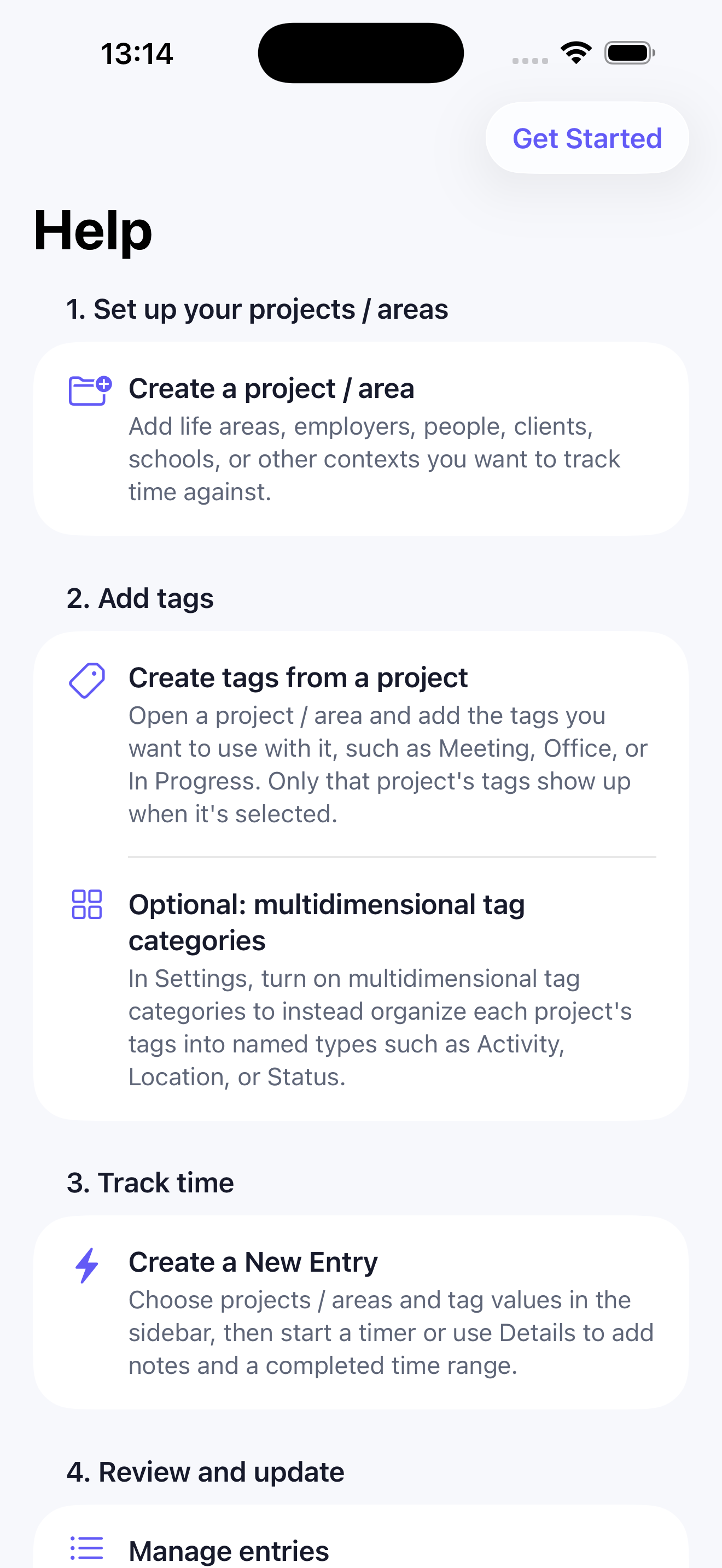
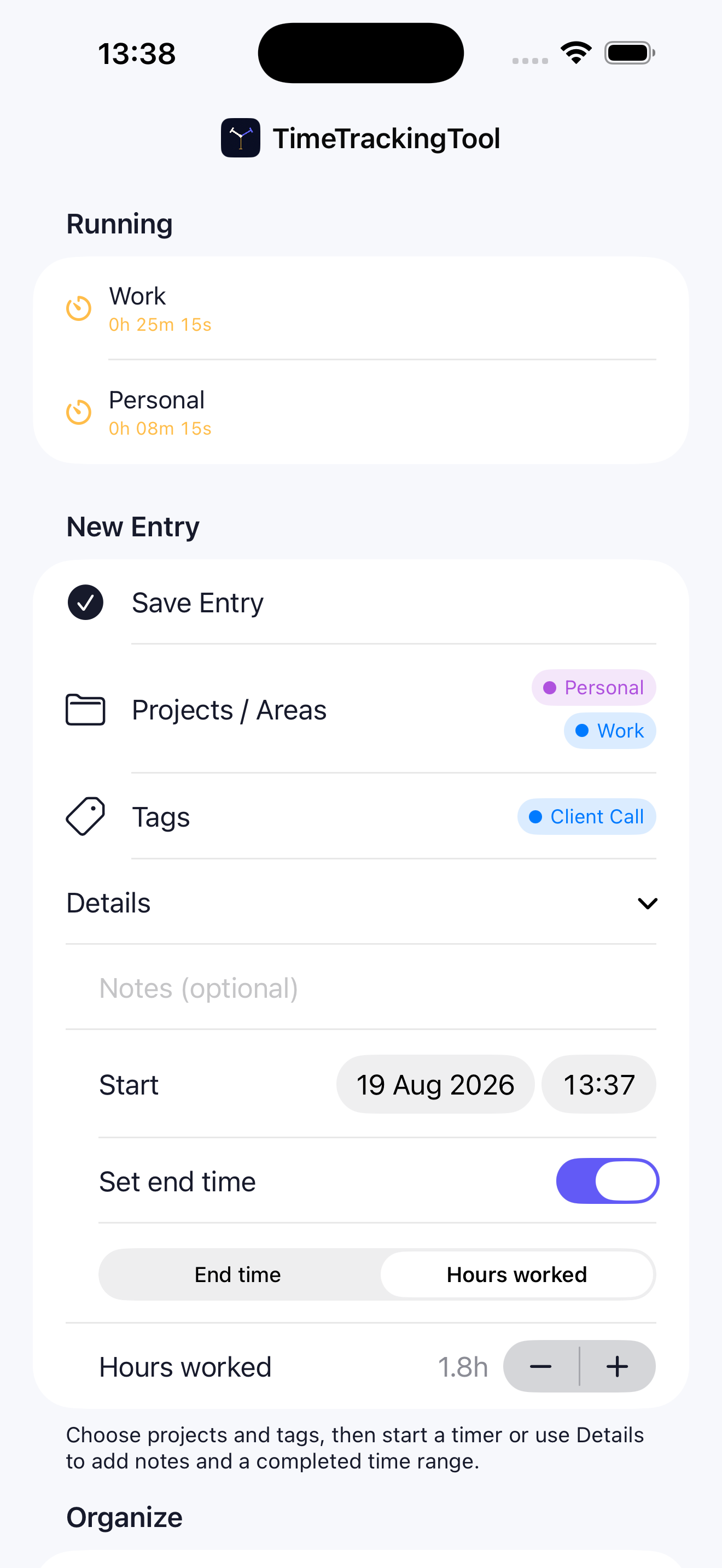
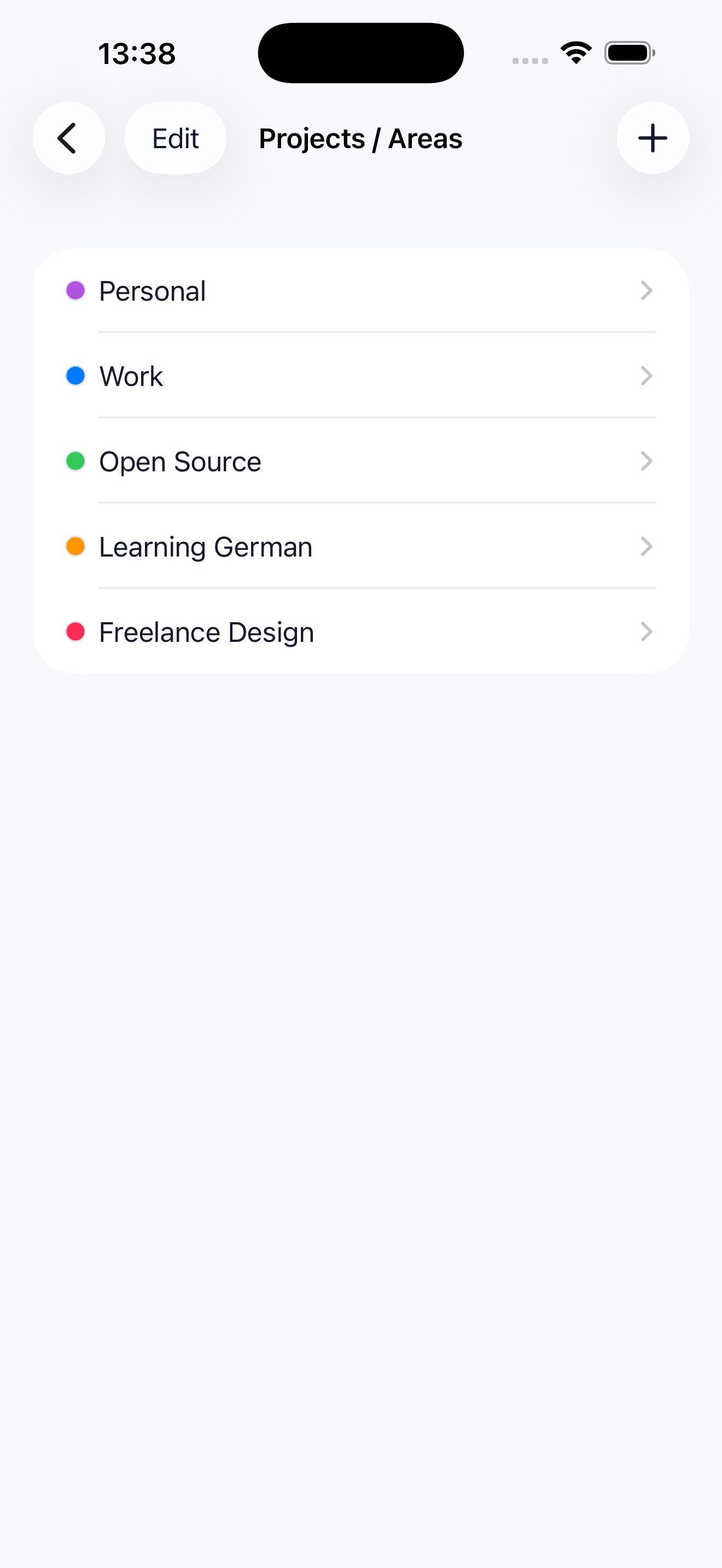
TimeTrackingTool is a simple, privacy-friendly time tracker for iPhone. Organize work into projects and tags, start and stop timers, review or edit entries, import events from optional calendar feeds, and export your records as CSV.
Status: Available on the App Store · Local Data Only · Open Source
Privacy Notice
Effective date: August 6, 2026
This privacy notice explains how TimeTrackingTool («the App») handles information.
Information handled by the App
- Time-tracking data: Project names and descriptions, tags, notes, start and end times, and related settings that you enter.
- Calendar data (optional): If you configure a calendar-feed URL, the App downloads that feed and can import event titles and times into your time entries. The feed URL and import settings are stored with the App’s local data.
- Exports: The App can create a CSV file from your entries only when you request an export.
Collection by the developer
The developer does not collect, receive, sell, or use your time-tracking data. The App does not use developer-controlled servers, advertising, third-party analytics, or cross-app tracking.
Storage and sharing
Your projects, tags, entries, calendar-feed configuration, and preferences are stored locally on your device. A CSV export leaves the App only through the destination or sharing method that you choose.
Accounts, ads, and tracking
The App does not require an account and contains no advertising. It does not track you across apps or websites.
Contact
For privacy questions or requests, contact ttt@cblum.ch.